How Bluetooth microphone apps work
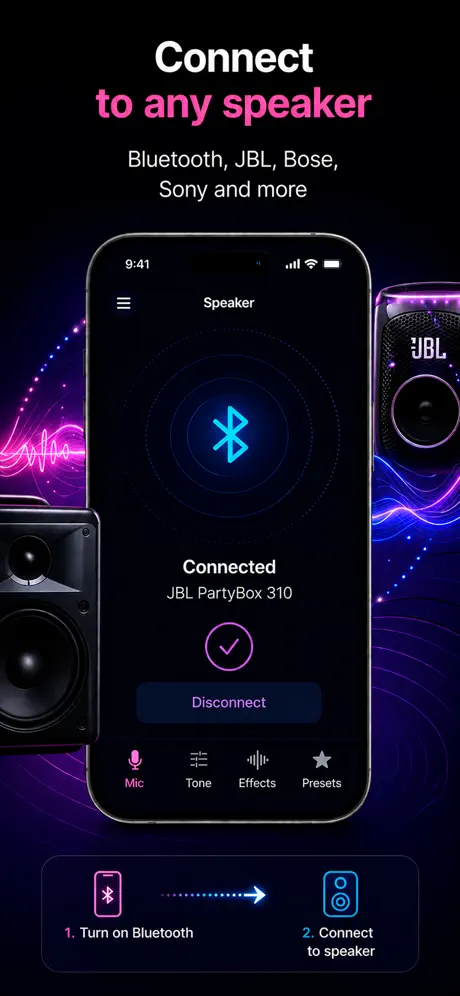
A live mic app uses your iPhone microphone and sends the audio to an available output device.
Bluetooth mic audio
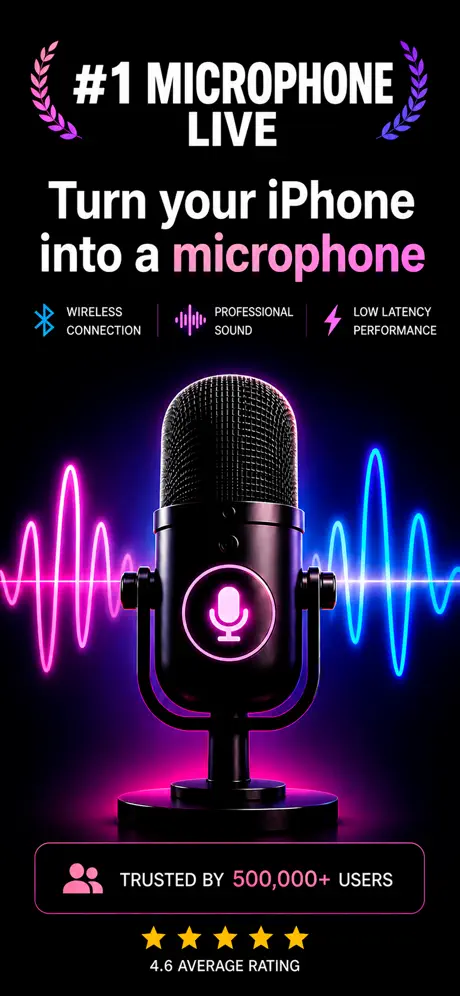
Live Microphone lets you use your iPhone as a live microphone with supported audio outputs and Bluetooth audio devices.
How it helps
People searching this phrase usually want a fast way to turn an iPhone into a mic, send voice to a speaker, or record while speaking live.
A live mic app uses your iPhone microphone and sends the audio to an available output device.
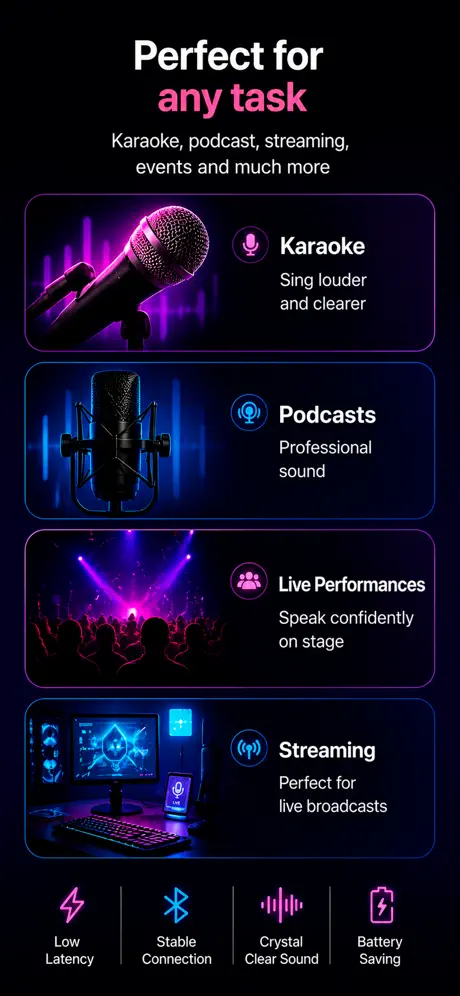
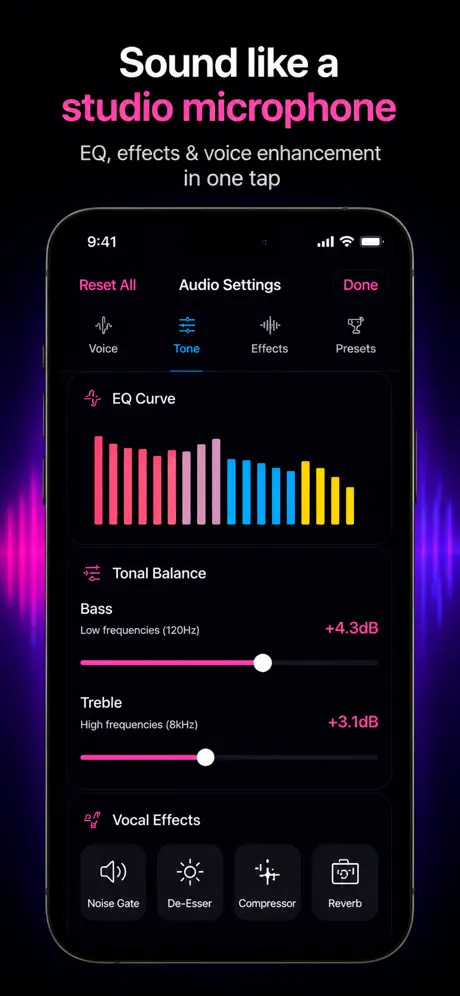
Use it for wireless voice amplification, speaking practice, small rooms, quick setup, and portable audio scenarios.
Bluetooth delay and routing can vary depending on device, iOS version, and speaker or headphones.
Use cases
The app uses your iPhone microphone and routes audio to an available output device. Bluetooth audio behavior may depend on your iPhone, iOS version, and connected device.
App preview
FAQ
You can use your iPhone as a live microphone with supported audio output devices.
Not every setup behaves the same. Bluetooth routing depends on iOS and the connected device.
Some latency is possible with Bluetooth audio.
Yes, for supported live audio output scenarios.
Yes. Wired output usually has lower latency than Bluetooth.
Get the app