Free live mic mode
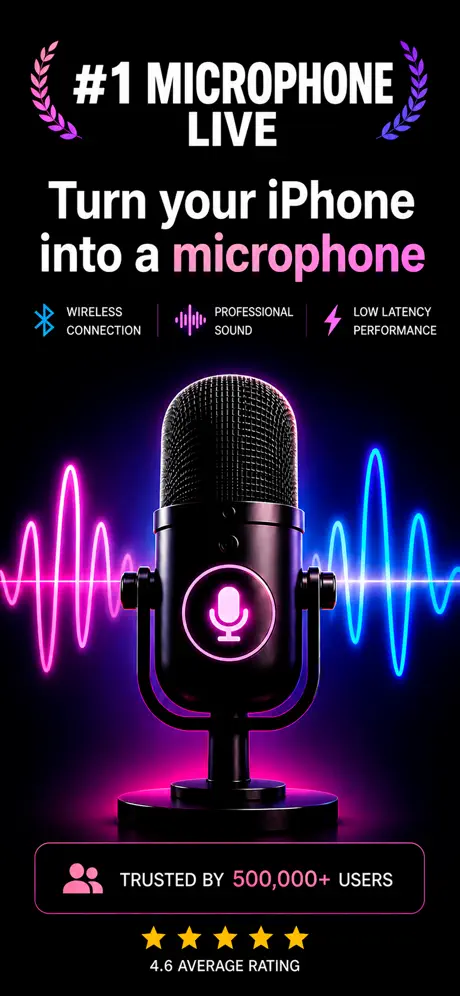
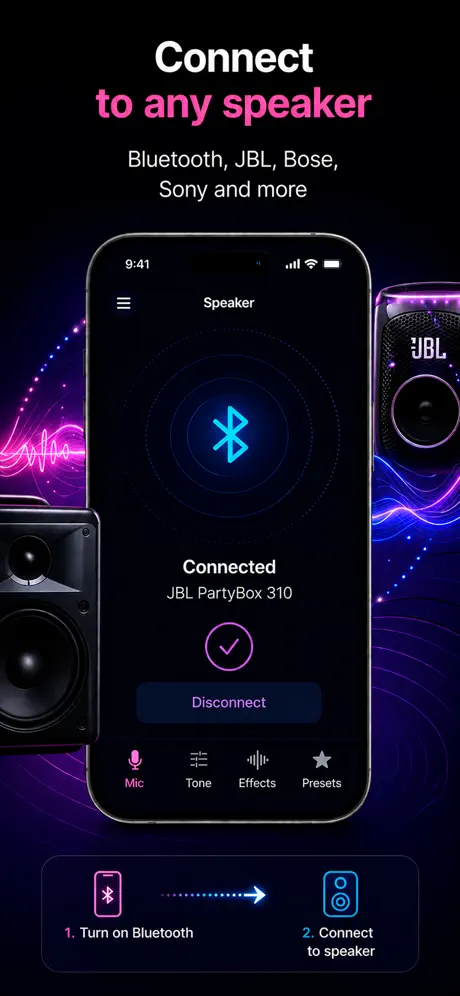
Speak into your iPhone or iPad and hear your voice through a connected speaker in real time, at no cost to start.
Free download, iPad-ready
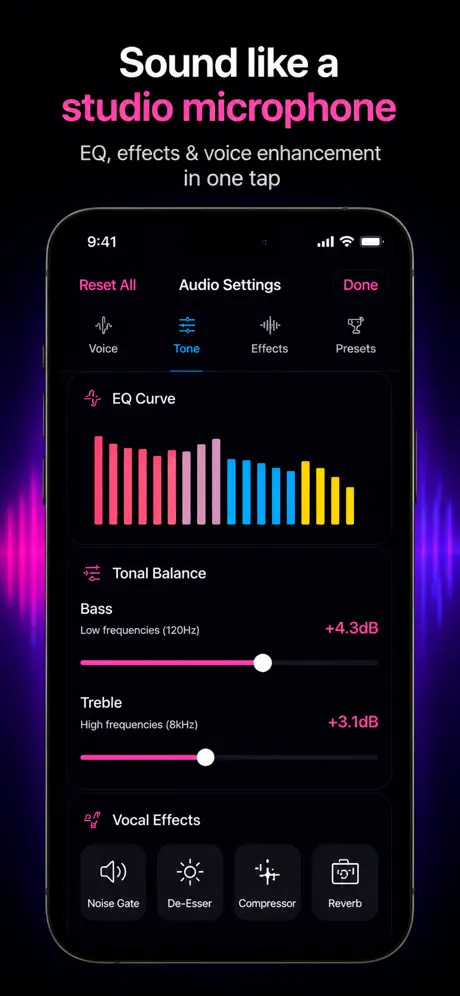
A free live microphone app that runs on both iPhone and iPad, with the same live mic, karaoke, voice boost, and recording features on each.
How it helps
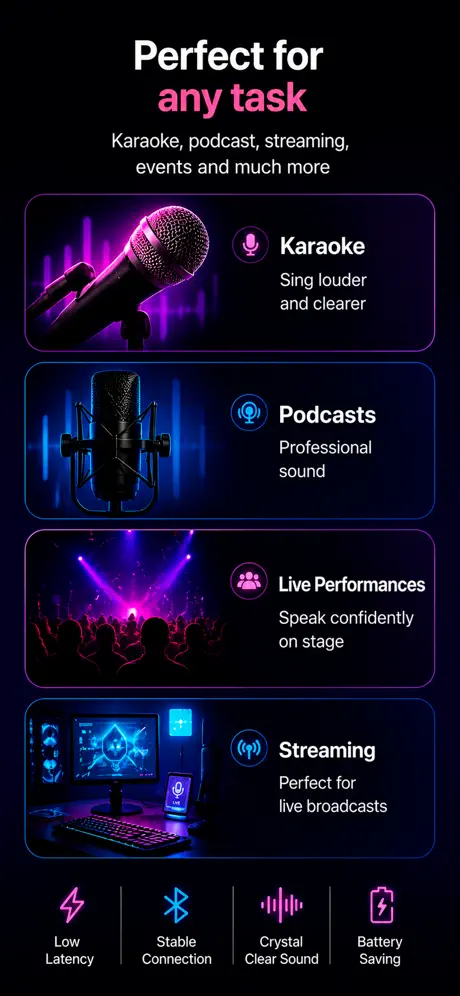
People searching this phrase usually want a fast way to turn an iPhone into a mic, send voice to a speaker, or record while speaking live.
Speak into your iPhone or iPad and hear your voice through a connected speaker in real time, at no cost to start.
The same app runs on iPad with a layout that takes advantage of the larger screen for monitoring and recording.
Bluetooth can add delay, so test monitoring and speaker placement before relying on it live.
Use cases
On iPad, the bigger screen makes live monitoring, volume control, and recording playback much easier than on iPhone. The app keeps the same audio engine on both devices, so you can rehearse on iPhone and run a small event from iPad without learning a new interface.
What to know
The app installs free with no signup. Optional in-app purchases unlock advanced presets and longer recording sessions. The core mic-to-speaker function works without any purchase, so the free download is a real free, not a limited demo.
iPad does not have a bottom-firing main mic like iPhone. Its mics sit along the top edge in landscape orientation. Hold the iPad with the camera and mic edge toward you, not away — easy to get wrong because the screen orientation tempts you to point the bottom edge at the audience.
M-series iPads accept class-compliant USB audio interfaces directly. Plug in a Focusrite Scarlett, MOTU M2, or similar, and iPadOS sees it as both mic input and audio output. This bypasses Bluetooth entirely and brings latency under 20 ms — the cleanest path for serious use.
On iPadOS, the app continues running in Stage Manager and Split View. You can keep lyrics or a script in one window and the mic app in the other without interrupting the audio session. The system keeps the playAndRecord category active across foreground changes.
References
Blog
App preview
FAQ
Yes, the app is free to download. In-app purchases are available for additional features.
Yes. The App Store listing includes iPad with iPadOS 17.6 or later.
Apple lists Microphone App Bluetooth Live in the Music category.
Yes. The app supports recording while live microphone mode is active, so you can capture practice sessions, speeches, or karaoke takes.
No. Microphone App Bluetooth Live is available only on the App Store for iPhone and iPad.
Get the app