What Microphone App Bluetooth Live is built for
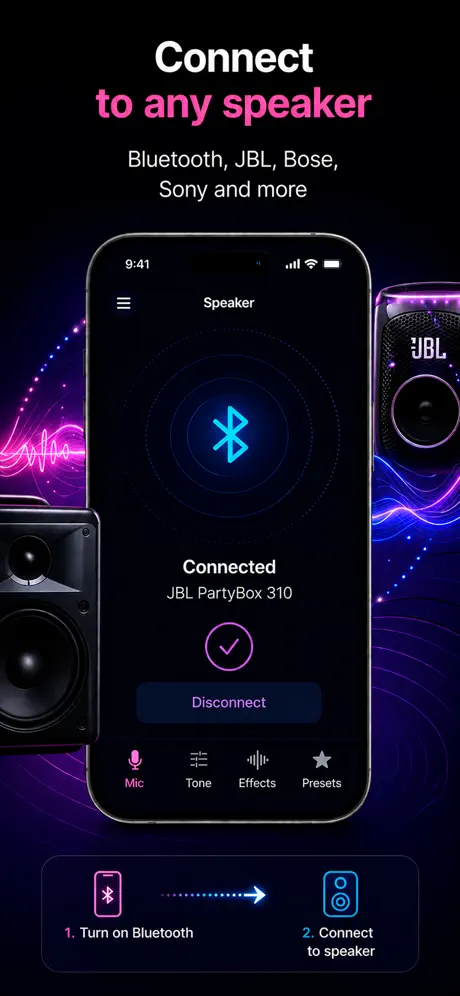
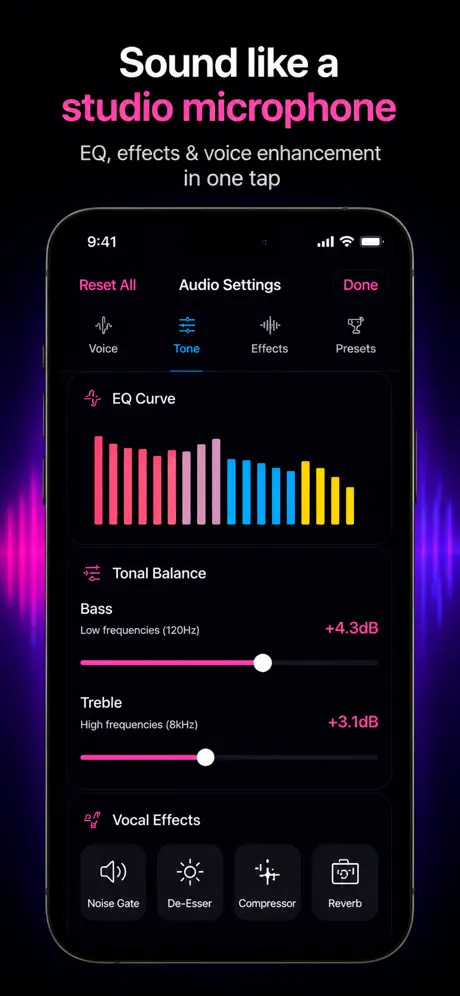
Microphone App Bluetooth Live is a live-output app for iPhone and iPad. It captures the device microphone, applies the selected voice controls, and plays the result through the active Bluetooth, AirPlay, or wired output. Recording can continue while the live microphone is active.
| Your goal | App category | Is this app a fit? |
|---|---|---|
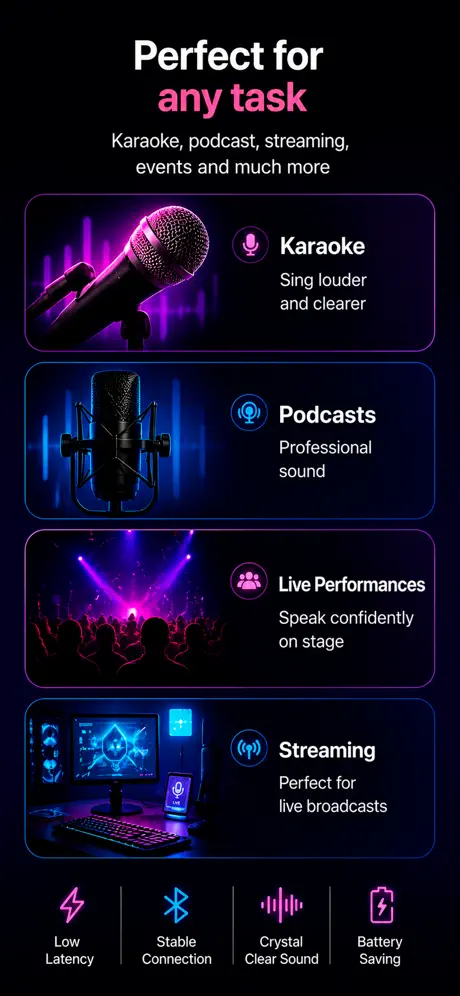
| Speak through a connected speaker | Live microphone | Yes — this is the primary use |
| Casual karaoke or vocal practice | Live microphone with voice controls | Yes — test delay before singing |
| Record and edit several tracks | Studio recorder / DAW | No — use a multitrack recording app |
| Measure room loudness | SPL meter | No — use a calibrated measurement app |
| Use iPhone as a PC Bluetooth headset mic | Computer microphone / network utility | Not through the standard speaker-output workflow |
How to use the app
1. Choose the output first
Connect the Bluetooth speaker, select the AirPlay destination, or attach the wired adapter before starting live mode. iOS controls the active route; the app sends audio to the route the system has selected.
2. Allow microphone access
Microphone permission is required because the app needs live input. Local network permission can appear when AirPlay or network discovery is involved. Contacts, location, and a user account are not required for the microphone-to-speaker workflow.
3. Start quietly and check the route
Begin at a low speaker level. Speak close to the phone and confirm that sound comes from the intended output. Move the speaker away from the iPhone before raising the volume; physical separation prevents feedback more effectively than aggressive processing.
Output choices and latency
Bluetooth is the simplest wireless option, but encoding, transmission, decoding, and speaker processing add delay. That is usually acceptable for announcements and speech. It is much more noticeable when singing or monitoring your own voice. A wired output is the safest choice when timing matters.
- Bluetooth: convenient, portable, and delayed.
- AirPlay: useful with HomePod and compatible network speakers.
- Wired: the most predictable path for singing and monitoring.
- Built-in iPhone speaker: useful for a quick check, not room amplification.
Features to evaluate before choosing any microphone app
- Does it produce live output, or does it only record?
- Does it explain Bluetooth delay honestly?
- Can you see and control the output level quickly?
- Can it record while live mode is running?
- Does it require an account or collect unrelated data?
- Does it work on your iOS or iPadOS version?
When this app is not the right choice
Use a studio recorder when you need multitrack editing, punch-in recording, WAV export, or Audio Unit effects. Use a measurement tool when you need SPL or spectrum readings. Use dedicated wireless microphone hardware for a large room, a stage, or sub-20 ms monitoring. A focused live microphone app is best when the job is simply to speak through a speaker from an iPhone you already have.